UPay x Straitsx
Experience Seamless Global Transaction Anytime, Anywhere
UPay, in collaboration with StraitsX, has launched a new card service to make crypto payments easier than ever. Enjoy a seamless payment experience and full control over your spending — all in one card.
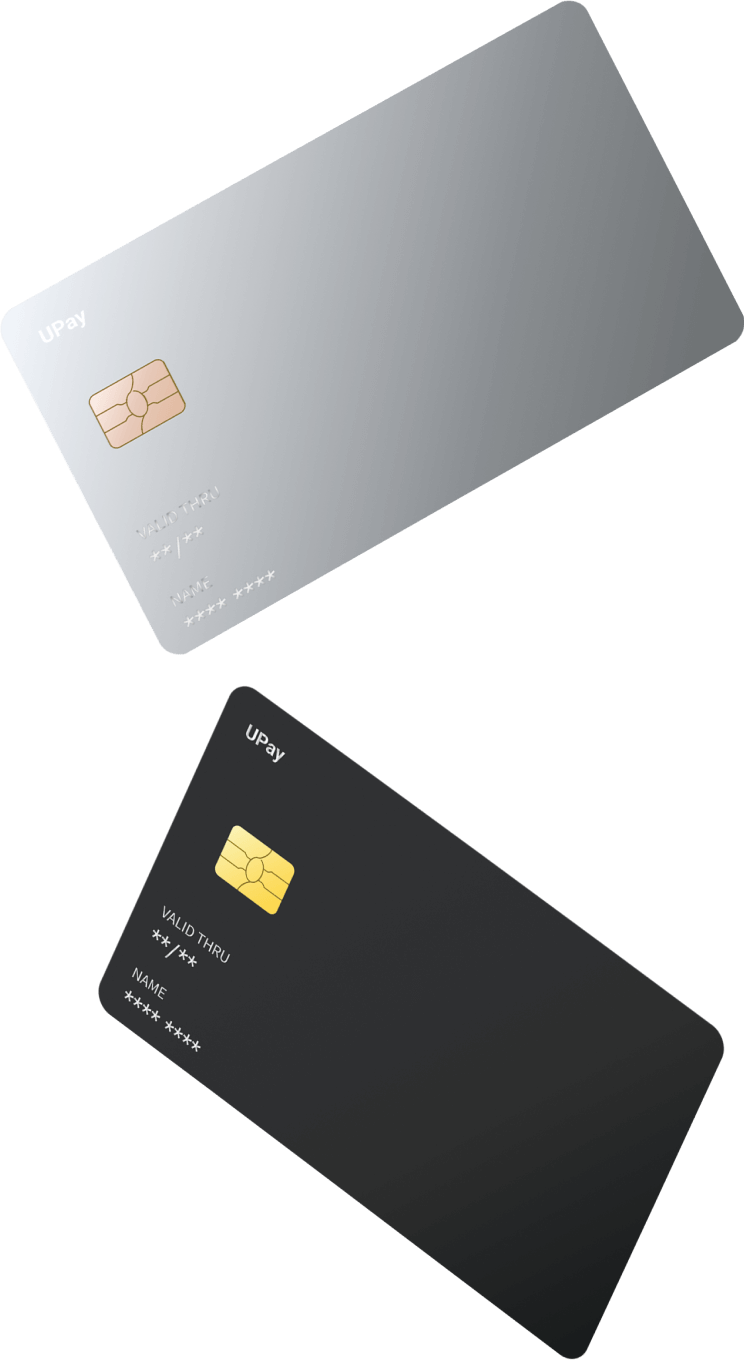
Security & Protection
Transaction Notification
Instant Card Lock
3DS
CVC2
Why UPay Card
By choosing the UPay Card, you can enjoy globally accepted in-store payments and seamless local and overseas spending, making your travel and daily life more convenient.
You can also shop online anytime. Whether it’s paying thousands of dollars for online purchases or just a few dollars for a taxi ride, the UPay Card enables fast and convenient payments in one step.
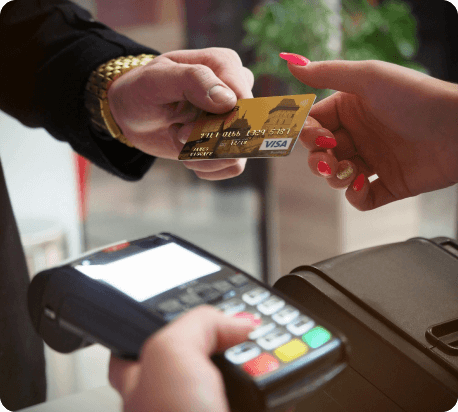 Offline consumption
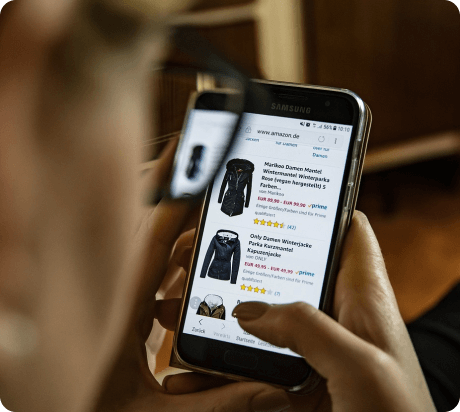 Online shopping
 Travel Spending
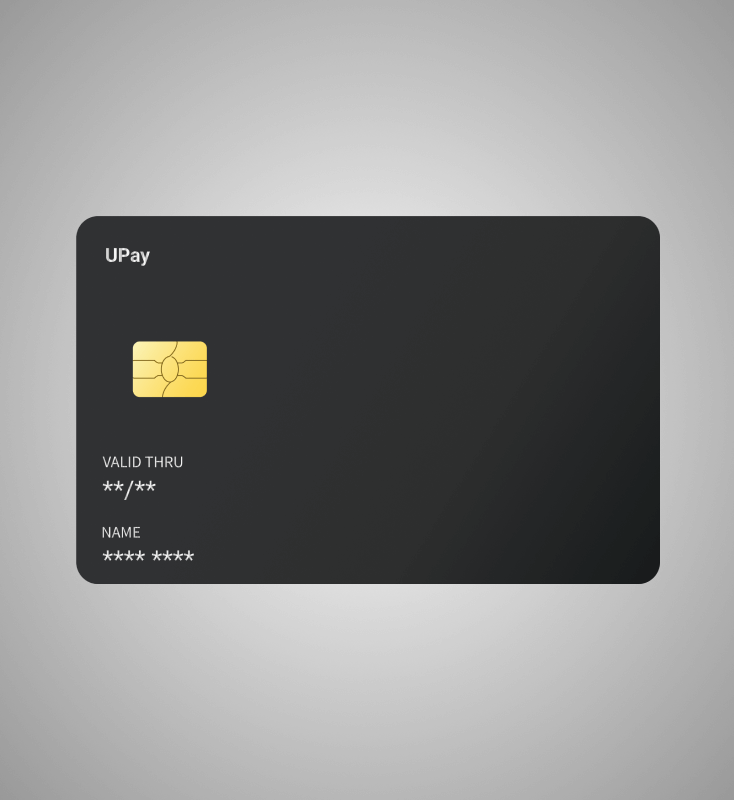
Platinum Virtual Card
· Compatible with Apple Pay and Google Pay· Widely accepted· Ultra-low fees – 1.5% fee and no FX charges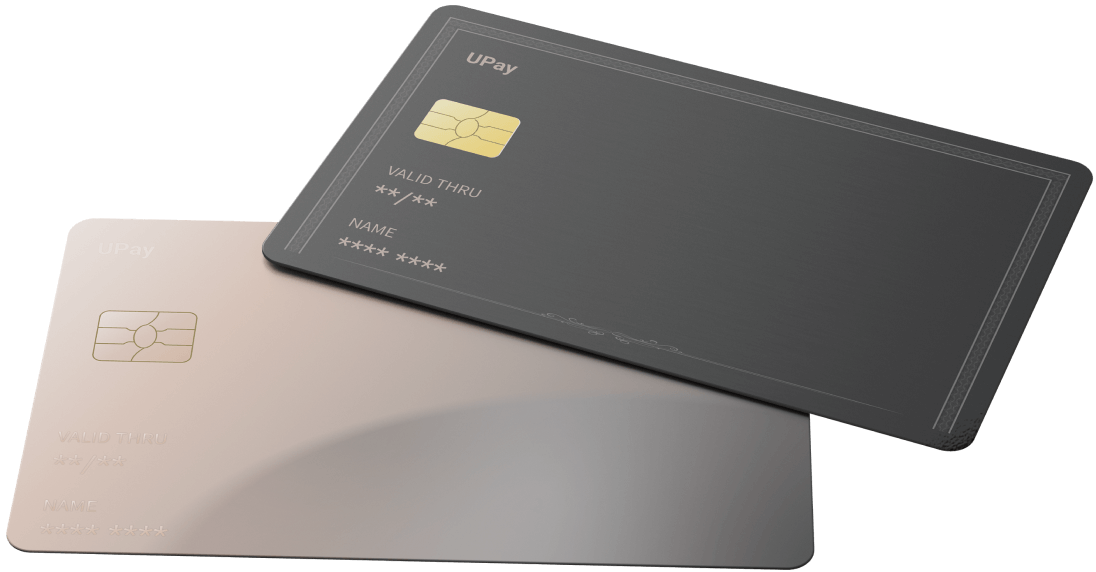
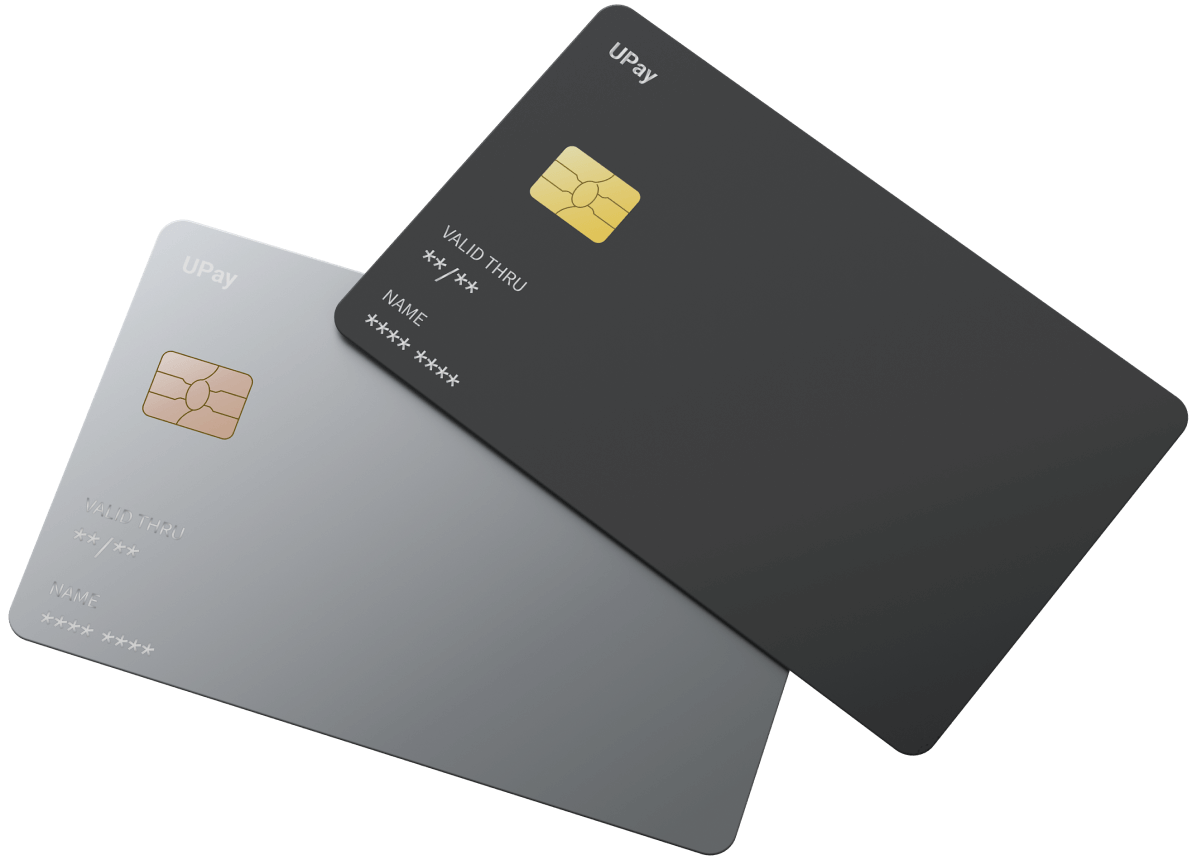
Platinum Physical Card
· Tap and pay.· Multi-scenario spendingUPay Partnership

GET STARTED
All you need to do to complete your card application is tocomplete the following four steps
- Step 1
- Create an Account
- Register through our application
- Step 2
- Complete KYC
- Enter your essential personal data and upload the proof of identity
- Step 3
- Activation
- Activate your card through our application
- Step 4
- Deposit funds
- Swipe, Tap, and Pay — Start Spending Today
USER GUIDE
- How To Inject Deposit funds
- LOGIN > DEPOSIT FUNDS
Once you have completed the activation process, you will need to inject deposit funds to obtain a debit limit.
- 1. Complete register, KYC and activate your UPay account and log in.
- 2. Click "Deposit funds" on the page right after login.
- 3. Our system will send a message upon successful injection.
- 4. The account balance will be automatically updated.
- How To Lock The Card Instantly
- LOGIN > LOCK CARD
Whether you suspect unauthorized transactions or for any other reason want to secure your account, you can temporarily lock your debit card to safeguard your fund security. And you are able to unlock your debit card anytime.
- 1. Log in to your card account.
- 2. Click "Lock Card" on the page right after login.
- 3. The card locking will be effective immediately.
- How To Report The Lost Of Debit Card
- LOGIN > LOST CARD
In order to safeguard your funds, you should report immediately if your debit card has been lost or stolen.
- 1. Go to the UPay website and Login.
- 2. Click the "Lost" button.
- 3. Click the "Send Code" button.
- 4. Enter the OTP(One Time Password) sent to your mobile and click "Confirm".
- After then, Your existing debit card will be blocked and you can either withdraw your balance or transfer the balance to a new card. Contact our Customer Service to process further procedure
UPay
Powered by StraitsX- UPay Card is issued by UP (Singapore Branch), which provides crypto card services to users.
- ***StraitsX acts as the BIN sponsor for the UPay Card program.